Documentation — VanWeekend Trip Video Maker
The VanWeekend trip video maker turns your roadtrips into animated videos: your route drawn on a world map, your photos and videos placed in chronological order, several travel modes (road, flight, sea). This manual walks you through every feature. The free tier lets you generate your video at 1080p straight from your browser; the premium tier produces a high-quality render prepared on our servers and unlocks the full customisation.
Free version
- ✓Photo import with auto-geolocation and chronological sorting
- ✓Four video formats (landscape, portrait, square, 4:5)
- ✓Browser-side 1080p video generation
- ✓Animated world map with vehicle (default VanWeekend van)
- ✓Road mode for every segment
- ✓Photos displayed in cards next to the map
- ✓Adaptive zoom auto-enabled on long trips (> 1000 km)
- ✓Import of destinations from the VanWeekend catalogue
- ✓Trip sharing via link
- ✓Stop reordering (move, remove, jump to start/end)
- ✓Display key stop names directly on the map
⭐ Premium version
Everything the free version offers, plus:
- ★High-quality render prepared on our servers, consistent quality, no forced footer
- ★Save your projects (up to 5 trips per account) — pick up your edit anytime, on any device
- ★Video import with synchronized audio (up to 10 s per stop)
- ★Per-segment travel modes (road, direct/flight, sea)
- ★30+ vehicles + per-segment override + custom image
- ★Fullscreen display for photos / videos
- ★Colour themes (presets + fully custom theme)
- ★Four map backgrounds: Standard, Relief & oceans, Satellite, Painted
- ★Toggleable country borders and customizable route stroke (dotted, dashed, solid, solid + halo)
- ★Custom intro and outro (image and text)
- ★Editable or removable footer
- ★Manual control of adaptive zoom (2 to 5 visible stops)
Auto-import photos and videos
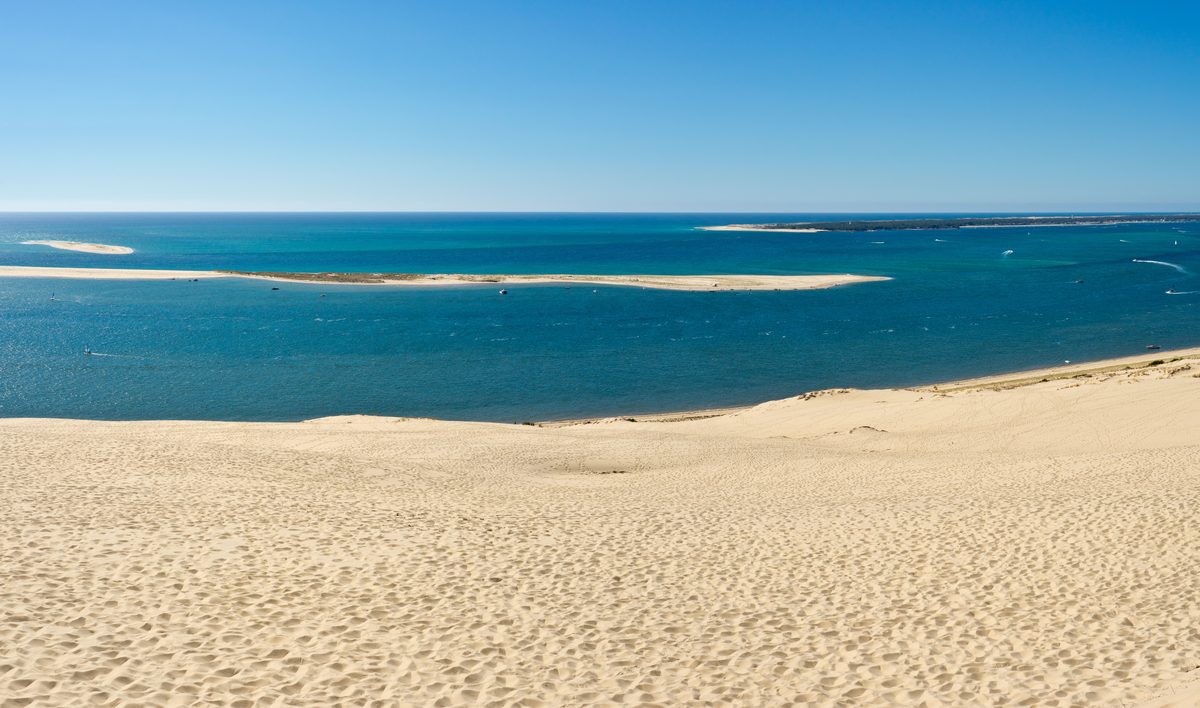
Drop your photos (and videos on the premium version) into the import area. The app reads the GPS coordinates and date saved inside each file to place every media on the map automatically and sort everything chronologically. City name and country are filled in for you.
iPhone photos (HEIC format) are supported with no extra step on your end.
Accepted formats: JPEG, PNG, HEIC/HEIF, WebP for photos; MP4, MOV, M4V, WebM for videos (video import is premium only).
Four video formats
Pick the format that matches your publishing destination:
- Landscape 16:9 (1920×1080) — YouTube, Twitter, widescreen playback
- Portrait 9:16 (1080×1920) — Instagram Reels, TikTok, Stories
- Square 1:1 (1080×1080) — Instagram feed
- Portrait 4:5 (1080×1350) — Instagram-optimized portrait
Map layout and photo cards adapt automatically to the chosen format.
Per-segment travel modes
In the premium version, each segment between two stops can use a different travel mode:
- Road — real driving directions
- Direct — straight line, perfect for a flight
- Sea — maritime route that avoids landmasses
Ideal for mixed trips: van + ferry, road trip + intercontinental flight. The vehicle shown on screen can also change at every segment (see Vehicle gallery).
Vehicle gallery
The free version uses the default VanWeekend van for the whole trip.
In the premium version, you get access to 30+ vehicles: van, car, bike, plane, boat, helicopter, etc. You pick the default vehicle, and each segment can have its own (mix van + plane + boat in the same trip — the vehicle swaps automatically at every transition).
You can also upload your own image (transparent background preferred) as a custom vehicle.
Adaptive zoom
For trips with huge spans (Paris → New York flight then a US road trip), a frozen framing shrinks each leg to a tiny dot. Adaptive zoom follows the sequence of stops around your current position (the previous stop, the current one, the next one) and smoothly zooms in/out during each drive phase — like a camera travelling with you while keeping the context of your route.
Auto-enables as soon as your trip is wider than 1000 km end to end. In the premium version, you can fine-tune the number of visible stops (2 to 5, default 3) or disable adaptive zoom entirely from the advanced settings.
Display modes: card or fullscreen
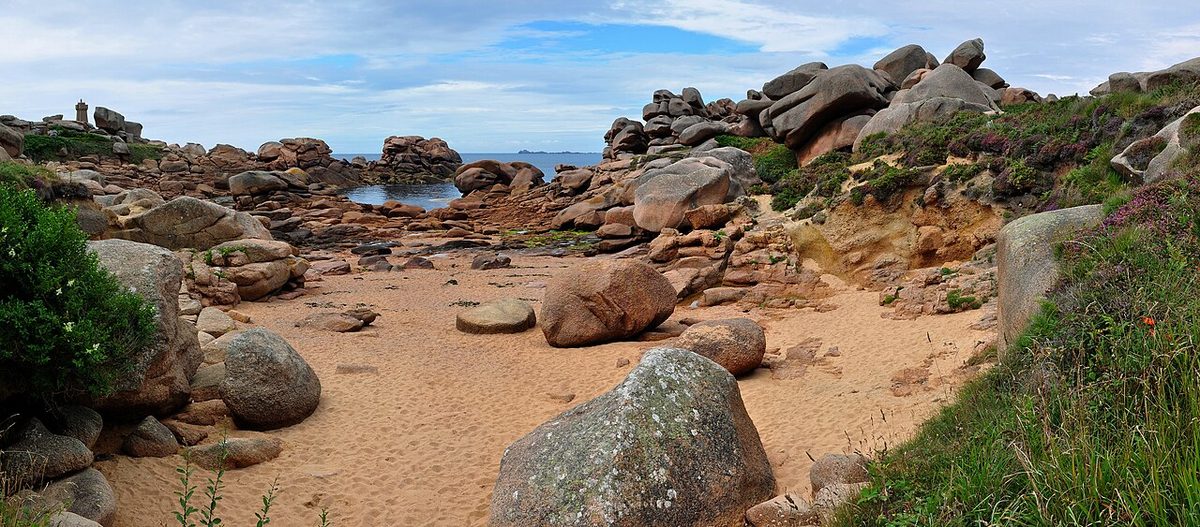
Each stop can show its media two ways:
- Card — the photo appears in a decorated card next to the map. Compact, readable. This is the mode used by default on the free version.
- Fullscreen (premium) — the photo covers the whole screen with a fade in / fade out. More cinematic, ideal for panoramic shots.
In the premium version, the default mode is configurable, with a per-stop override.
Video stops with synchronized audio
In the premium version, your stops can include a video clip up to 10 seconds long. You pick the start and duration to use, and the audio mixes in automatically at the right moment in the final video.
Great for inserting a drone shot, a time-lapse, or simply adding ambient sound at a key moment of the trip.
Colour themes
In the premium version, you pick the colour palette for your video: several presets are provided (forest, ocean, desert, etc.) and the theme drives the main colour (visited countries, gradients), the accent (route, waypoint dots), the background and the text.
Going further: build a fully custom theme via four colour pickers. Great for matching your branding or a specific aesthetic.
Customize the map
Both the map background and the route stroke can be customized in the premium version to match the mood of your video:
- Map background — four styles to choose from: Standard (countries shaded by your theme, clean and readable), Relief & oceans (Natural Earth world map with shaded relief and hypsometric tints, perfect for exotic or mountainous trips), Satellite (NASA Blue Marble true-color imagery, dramatic and photographic, ideal for long-haul flights or intercontinental trips), Painted (Natural Earth II, watercolour-style with vegetation zones in soft tints, great for a more illustrated vibe).
- Country borders — toggle country outlines on or off depending on the look you want.
- Route style — four presets for the trip line: Dotted (thin and discreet, default), Dashed (more visible), Solid (continuous minimalist line), Solid + halo (continuous line over a semi-transparent dark halo, ideal on busy backgrounds where terrain detail can swallow a thin stroke).
The preview updates instantly with every change.
Show stop names on the map
Below each stop's name, a 🏷️ Show name on the map checkbox draws the name next to its dot during the video. The label appears when the camera reaches the stop and stays visible during the following drive — useful for anchoring the important places without relying on the photo card.
You opt in stop by stop: label your main destinations while keeping intermediate stops (lunch break, gas stop, etc.) anonymous. Works on the free and premium tiers, on every map background. The text is drawn with a white halo so it stays readable even on busy backgrounds (satellite, relief).
Intro, outro, footer
Three areas frame the video:
- Intro — an opening screen with a logo that fades into the map
- Outro — a closing screen with text
- Footer — text displayed throughout the video
The free version uses defaults (VanWeekend logo for intro and outro, "VanWeekend.fr" footer text). The premium version unlocks full customisation: upload your own logo or illustration for intro and outro, edit or remove the footer.
High-quality render
The free version lets you generate your video at 1080p directly from your browser. Quality depends on your device's resources, and the "VanWeekend.fr" footer is rendered throughout (not editable on the free version).
The premium version prepares your video on our servers: consistent high quality, identical for everyone regardless of hardware, and the full customisation surface is unlocked — editable or removable footer, custom themes, custom intro/outro, per-segment travel modes and vehicles, fullscreen mode, video stops with audio, etc.
Generation typically takes a few minutes. You receive an email with the download link as soon as it's ready. The file stays available for 7 days after rendering, or up to 30 days past your account's expiry.
Passes: 24 hours (€1), 1 month (€3), 1 year (€10). One-shot purchase, no subscription, no auto-renewal.
Import a VanWeekend destination
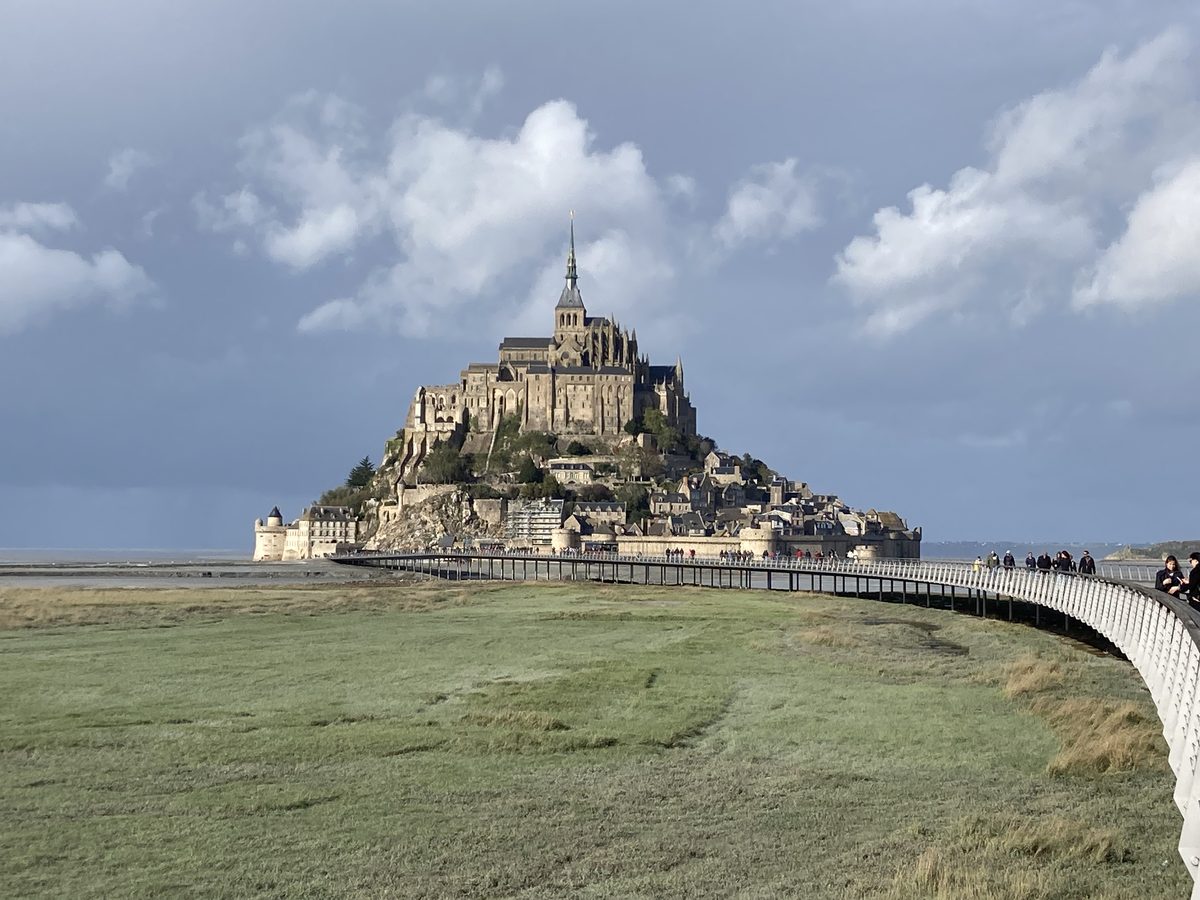
If you went to a destination from the VanWeekend catalogue (e.g. Bassin d'Arcachon or Pays Basque), the "Import a VanWeekend destination" option adds every geolocated stop from that destination in one click.
Useful for kickstarting your edit with a real itinerary backbone before adding your own photos and videos. Stops can then be reordered, removed, or enriched.
Save a trip
In the premium version, you can save your current trip and pick up your edit later, from any device. Photos, videos, stops, theme and all settings are kept together.
The controls live at the top of the sidebar:
- 🆕 New — start from a blank project
- 💾 Save — store your trip (or update the current one). A progress bar appears while uploading.
- 📂 My trips — lists your saved trips with a thumbnail and last-modified date
You can save up to 5 trips per account. To free a slot, click the 🗑 icon to the right of a trip in the list — deletion is permanent and the slot becomes available immediately.
Every media keeps its original filename (e.g. `IMG_1234.MP4`), shown under its preview. Useful if you want to find the source file back on your device to re-import or replace it.
Per-file size limit: 300 MB. Larger files stay usable locally (you can still generate the browser video), but they're not kept in the save — the list of affected files is shown after the save completes. Trim oversized clips before importing them.
Saved trips remain available for 30 days past your premium account's expiry, giving you time to extend your pass if you want to keep editing.
Reorder stops
Each stop row has four arrows to reorder:
- ▲ ▼ — move one step up or down
- ⏫ ⏬ — jump straight to the start or end of the trip
When a stop is nested in a group (VW import), the arrow detaches it from the group when it crosses the boundary. Whole groups can also be moved or removed in one click.